What is TV Streaming?
TV streaming is a way to watch television shows, movies, sports, and other video content over the internet, rather than through traditional cable or satellite TV. Instead of needing a cable box or antenna, you use an internet-connected device—like a smart TV, smartphone, tablet, computer, or streaming device (such as Apple TV).
Examples of TV Streaming Services:
- On-Demand Services: Netflix, Hulu, Prime Video (watch anytime)
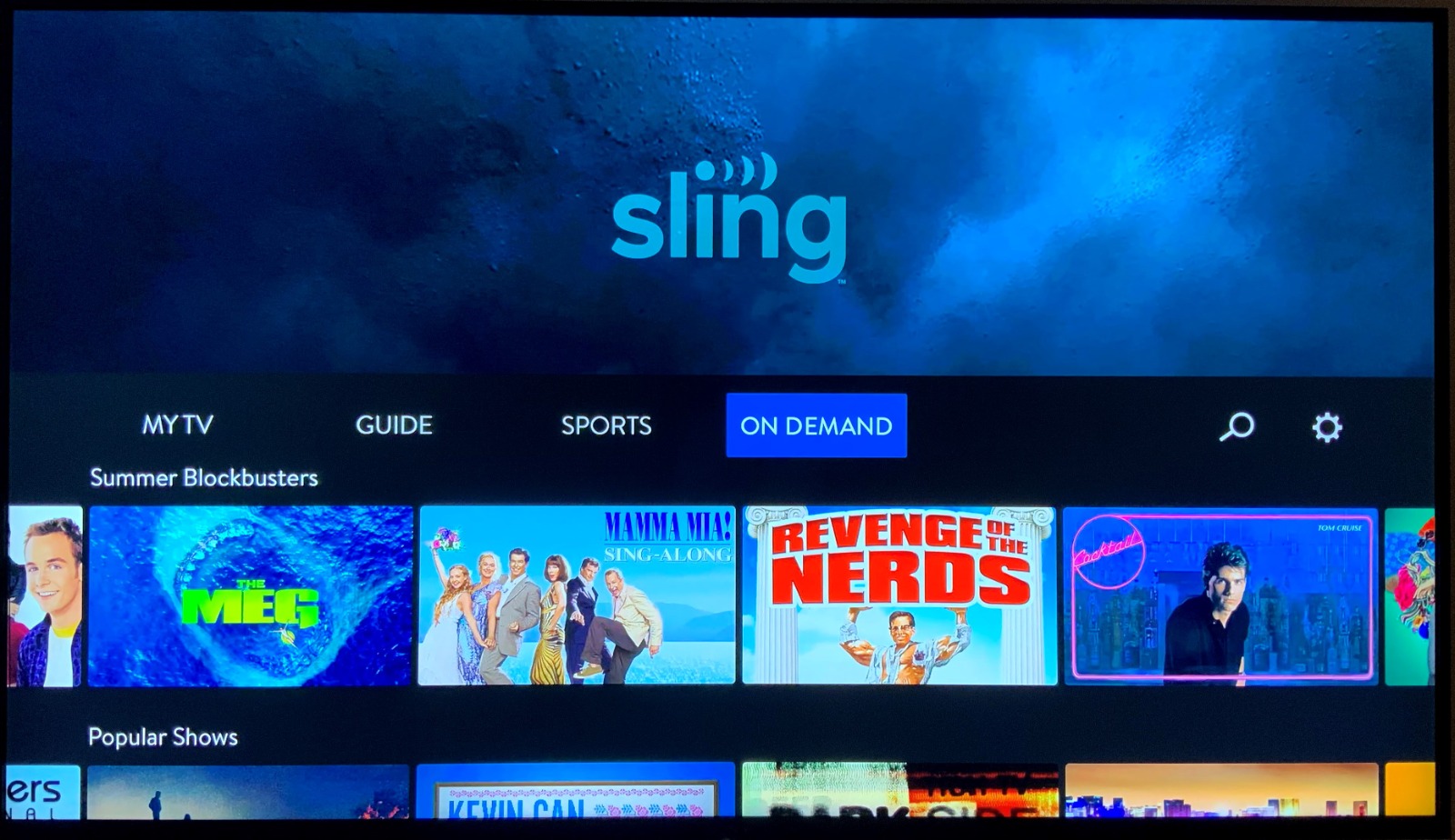
- Live TV Streaming: YouTube TV, Hulu + Live TV, Sling TV, FuboTV (stream live channels like ABC, ESPN, CNN)
- Free Ad-Supported Platforms: Pluto TV
Benefits:
- Watch anytime, anywhere
- No need for cable or satellite contracts
- Access on multiple devices
- Usually cheaper than traditional TV
Things to Keep in Mind:
- Requires a strong internet connection
- Some services charge monthly fees
- Different services offer different shows and channels
Key takeaways from and benefits from streaming from tv online
Key Takeaways
- Internet-Based Viewing: TV streaming delivers content over the internet instead of cable or satellite.
- Device Flexibility: Watch on smart TVs, phones, tablets, laptops, or streaming devices.
- Two Main Types:
- On-Demand Streaming (e.g., Netflix, Hulu) – Watch shows and movies anytime.
- Live TV Streaming (e.g., YouTube TV, Sling) – Watch live channels just like cable.
- Subscriptions or Free with Ads: Services can be paid monthly (Netflix, Disney+) or free with ads (Pluto TV).
No Equipment Needed: No cable box, dish, or technician required—just internet access.
How Does TV Streaming Work?
TV streaming works by delivering video content (like shows, movies, or live TV) from remote servers to your device through the internet. Here’s how it works:
Content is stored on servers by companies like Netflix, Hulu, etc.
Users access it through apps on Smart TVs, phones, laptops, or streaming devices.
Video quality adjusts automatically based on your internet speed.
Buffering helps prevent pauses by preloading a few seconds of video.Live streaming sends real-time broadcasts with minimal delay.
What Do I Need to Use TV Streaming?
Internet Connection
● Required: Yes
● Recommended Speed:
● 5 Mbps for HD streaming (e.g. Netflix, Hulu)
● 15–25 Mbps for 4K or multiple users
● Wi-Fi or Wired: Either works—Wi-Fi is most common
Streaming Device or Compatible Screen
You need a device that can access the internet and run streaming apps:
Smart TV
● Built-in apps like Netflix, YouTube, Hulu, etc.
● No extra hardware needed
Computer (Windows, Mac)
● Use a browser (Chrome, Safari, etc.) to go to streaming websites
Mobile Device (Phone/Tablet)
● Download streaming apps from the App Store (iOS) or Google Play (Android)
Streaming Device (for older TVs)
● Plug into your TV’s HDMI port
● Examples:
● Amazon Fire TV Stick
● Apple TV
Streaming Service Subscription or Free Account
Choose based on what you want to watch:
● Paid services: Netflix, Disney+, Hulu, YouTube TV
● Free with ads: Pluto TV.
Streaming App or Browser Access
● Install the app (on your TV, phone, or streaming device)
● Or go to the website on a browser (on your computer)
Optional but Helpful:
● A streaming account login
● A TV with HDMI input (for streaming sticks)
● A universal remote (if you use multiple devices)
How to Choose the Right TV Streaming Service for Your Needs?
Choosing the right TV streaming service depends on what you like to watch, how much you’re willing to spend, and what features matter to you. Here’s a simple guide to help you decide:
Step-by-Step: How to Choose the Right TV Streaming Service
Know What You Want to Watch Ask yourself:
● Do you want live TV (news, sports, local channels)?
● Do you prefer on-demand shows/movies?
● Are there specific networks or originals you want? (e.g. Disney)